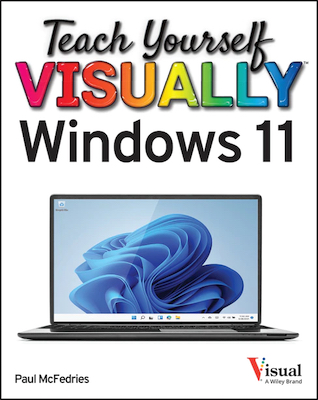
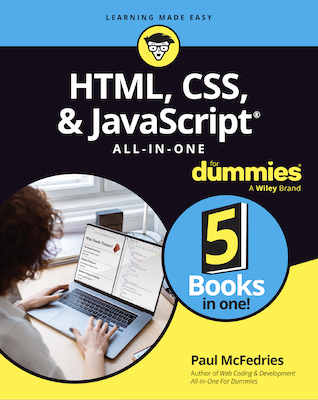
Are you a visual learner? Do you prefer instructions that show you how to do something — and skip the long-winded explanations? If so, then this book is for you. Open it up and you'll find clear, full-color illustrations that introduce you to computers, from working with different operating systems, applications, e-mail, and the Internet to the newest wireless devices, digital video technologies, and multimedia formats. Please use links below to learn more about the book. (For some of the links you'll need a program that can open PDF files, such as Adobe Reader.)
|
Table of Contents |
| Want the big book picture? Here's the Table of Contents (2.2MB), which includes the complete contents of each chapter. |
|
Sample Chapter |
| Want to see the book in action. No problem. Here's Chapter 1 (6.8MB), which tells you the benefits of a computer, what you can do with a computer, and explores the different types of computer hardware and software. |
|
Sample Page |
| Not anxious to download all 6.8MB of Chapter 1? I can't say that I blame you. For a taste of the book that's easier on the bandwidth, check out this sample page (800KB). |
|
Index |
| Want a complete list of the book's topics? Check out the book's complete Index (157KB), which runs through every topic that I cover in the book. |
|
Forum |
| Want to ask a question about the book or let the world know what you thought of it? Have your say in The Dialogue Box. | |